Bookkeeping Archives - Page 4 of 7 - First Class Accounts Ovens and Murray and Busy01 Consulting

Category Archives for "Bookkeeping"

How much should you pay yourself?

How much should you pay yourself?

How much should you pay yourself?

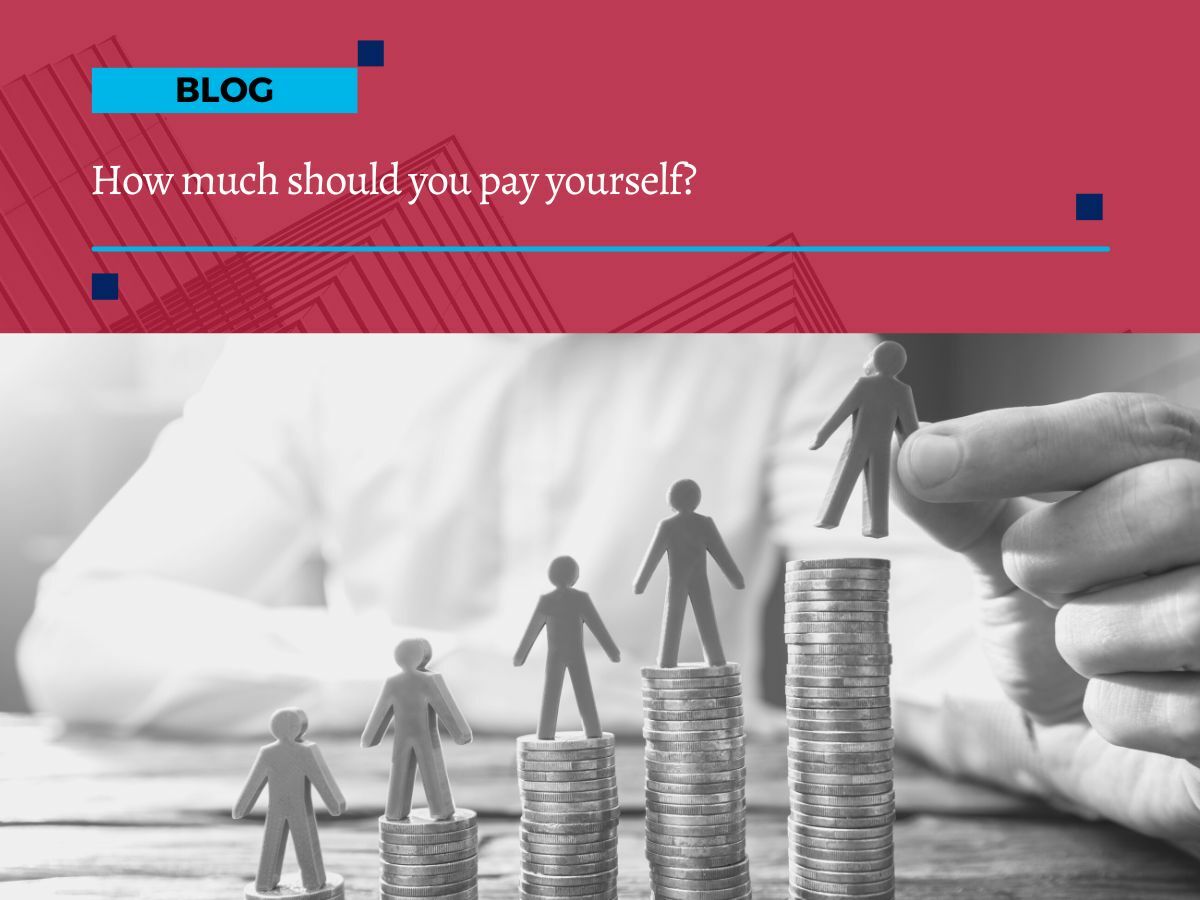
Being the boss means you get to make all the big decisions about your business – including how much to pay yourself in wages, salary or drawings.

As the owner, you might need to underpay yourself in the early stages of building your business, so you can reinvest the profits. But your time is valuable – and you need enough money to pay the bills.

So how can you find the right level of pay? It has to be enough to keep the mortgage paid, while also building a thriving business.

If you’re trying to decide how much to pay yourself, here are a few questions to ask yourself:

What can the business afford?

You need to leave enough cash in the business to keep it ticking along, pay your basic costs, and meet your tax obligations.

Once you’ve considered all those outgoings, how much does that leave you as a potential salary?

We can help you work out what that number is, so you can establish a sustainable rate of pay.

What’s the market rate for your role?

What would you have to pay someone to do the work you’re undertaking in this business?

Maybe you wouldn’t actually be able to find anyone to work the same long hours, but if you were hiring someone with your experience, to do the same sort of work for 40 hours a week, what would they expect to be paid?

That number is a good starting point for thinking about your own salary or drawings.

If you’re being underpaid, it’s time to think about ways to grow your profits. If you’re being overpaid, congratulations on building a highly profitable business.

Could reinvesting profits grow your income faster?

You can take all the profits out of your business, which should give you a strong and sustainable income.

Or, could you reinvest your profits and grow the business faster, leading to a higher income in the long-term? You might choose to spend some of your profits on advertising, a better website, or developing a new offering, for example.

Or you could pay for assistance in some area of the business. If the investment leads to higher growth, it might be well worthwhile.

We’ll help you run the numbers.

We can help you figure out how much your business can afford to pay you, analyse the potential gains of a business investment, or weigh up the pros and cons of hiring someone to help you.

Get in touch, we’d love to hear from you.

Providing Accurate Source Documents to Your Bookkeeper

Providing Accurate Source Documents to Your Bookkeeper

Providing Accurate Source Documents to Your Bookkeeper

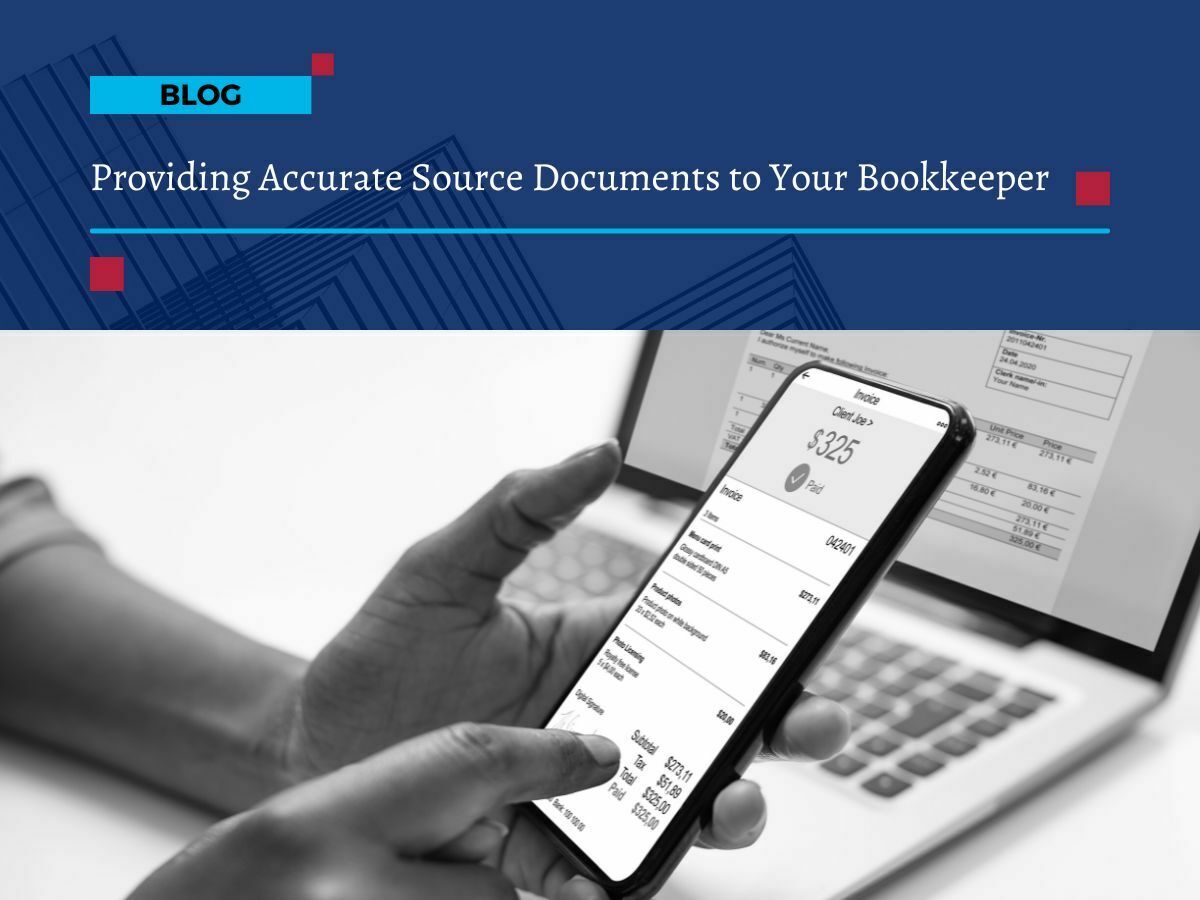
Did you know that the accuracy of your bookkeeping is only as good as the accuracy of the source documents?

Source documents are any documents that provide evidence of a financial transaction. This could include:

  •  Invoices
  • Receipts
  • Bank statements
  • Credit card statements
  • Payroll records
  • and more. 

Providing accurate and original source documents means that your financial records are more likely to be accurate and compliant.

Benefits of having accurate source documents

There are several benefits to making sure you are providing accurate source documents to your bookkeeper.

Accuracy

Making sure you are providing the correct source documents means that your financial records are more accurate. 

And this is important for a number of reasons:

  • Making sure that you are paying the correct amount of taxes
  • Avoiding financial penalties
  • Getting accurate financial reports
  • Making informed business decisions

Compliance

Accurate source documents help keep your business compliant with all applicable laws and regulations. 

This is important because non-compliance can lead to fines, penalties, and in the worse-case scenario, legal action.

Time & financial savings

When you provide accurate source documents to your bookkeeper, they can save time by not having to track down missing or incomplete information. And this can save you money in the long run.

Managing your source documents

There are a number of platforms that can help you to manage your source documents and make it easier to provide them to your bookkeeper. 

Platforms that we recommend include Dext, Xero, Hubdoc, and Lightyear.

Dext is a cloud-based document management system that allows you to scan, store, and organise your source documents. Dext also has integrations with a number of accounting software platforms, like Xero, making it easy to reconcile your accounts.

Xero is an online accounting software platform that allows you to track your finances, invoice your customers, and pay your bills. Xero also has a document management system that allows you to upload and store your source documents.

At the end of the day, using a digital platform to manage your source documents helps improve the accuracy and efficiency of your bookkeeping and helps keep your financial records accurate, compliant, and up-to-date.

Here are some additional tips for providing accurate source documents to your bookkeeper:

  • Scan or photo your source documents and upload them to Dext or Xero as soon as possible after the transaction occurs. This will help to prevent them from being lost or damaged.
  • If taking a photo - always photograph the original source document. Don’t take a photo of a photo or a screenshot of a document or receipt. 
  • Make sure that the scan or photo’s of your source documents are clear and legible.
  • Label each document with the date, amount, and description of the transaction.
  • Keep your source documents in a safe and organised place. This is where using platforms such as Dext or Xero is highly beneficial.
  • Provide your bookkeeper with access to your digital document management system.

By following these tips, you can help to ensure that as your bookkeeper, we have the information we need to keep your financial records accurate and compliant.

Are you in control of your staff expenses?

Are you in control of your staff expenses?

Are you in control of your staff expenses?

When your managers and employees have their own budgets to utilise and spend, it's important to keep in control of these staff expenses.

It used to be standard practice to have a firm-wide company credit card that staff could use to make ad-hoc and recurring payments. But a company card can easily be misused and doesn't help you keep your spending in check.

Today's expense management systems, like Soldo, Pleo or Weel, all give you far greater control over your staff spending – with additional benefits that streamline your expenses process

The benefits of a cloud-based expenses management system

The evolution of cloud accounting and fintech software has led to a significant leap forward in the control your business can have over its staff expenses.

Expense management solutions are now fully digital platforms. Your team has flexible ways to pay for expenses and operational costs, with a greater level of control over how much is spent, who spends it and how these costs track against the company’s main cashflow position.

With a modern expense management app, you can:

Use virtual debit cards to pay for expenses 

Team members can be issued with virtual cards that are quick to set up, use and cancel, if necessary. Having multiple virtual cards helps you keep track of specific spending and allows employees to make payments directly from their phone or tablet.

Align each card number to a specific budget or cost centre

Each card number is linked to a defined budget, branch or cost centre. Instead of having one card that all staff spending is dumped onto, you have a defined card for each budget. This helps you track that person’s or department’s spending and produce drilled-down management information about their spending and outgoings.

Set card limits, so staff can't overspend

Each card can be given an agreed spending limit, to reign in overspending and casual use of the card without prior approval. Managers can approve spending prior to a payment being made, with full transparency over where the money is going and the agreed amount that can be spent.

Integrate your expenses system with your cloud accounting platform

If your accounting software has a suitable API, you can connect your expense platform to your digital accounts. This automates the whole process of recording, tracking and reconciling your outgoing transactions, saving you hours of data entry and admin time.

Get deep reporting on all expenditure

Tracking all your staff spending through the one platform means you have unprecedented access to data and reporting. This gives you the ability to track each department or branch and follow a clear breadcrumb trail for all outgoing costs and staff expenses.

Talk to us about getting in control of your staff expenses

Spiralling staff expenses can have a profoundly negative impact on your cashflow. But with a cloud-based expenses management system in place, you’re in full control of every transaction, every cost and the overriding impact on your cash position.

Talk to us about which expense management platform is right for your business, and the best way to integrate your chosen app with your main finance system.

3 cloud accounting tips to save your business time and money

3 cloud accounting tips to save your business time and money

3 cloud accounting tips to save your business time and money

Keeping on top of your accounts is a big part of running a successful and profitable business. But you don’t want to spend ALL your time dealing with bookkeeping and accounting tasks, especially when that time could be spent building customer relationships, or developing new products etc.

So, how do you keep your finances in check, while also spending less time on your accounts?

1. Bringing your accounting into the digital age

Switching to cloud accounting can be a revolutionary step for many business owners, especially when you look at the ways you can streamline and automate the basic accounting tasks.

By using accounting platforms like Xero, QuickBooks, MYOB or Sage, you get all the basics of small business financial management, but with the benefits of smart automation.

With most modern cloud accounting software, you can:

  • Automate the scanning and digitisation of your expenses and receipts
  • Automatically reconcile your bank transactions with your invoices and bills
  • Connect your accounts to other time-saving apps for mileage claims or staff expenses.

2. Getting paid faster and with less admin

With a cloud accounting platform driving your business, you also make it easier to send out e-invoices and get paid faster and more effectively.

Improving your payment times and cash collection can make a huge difference to your cashflow position, and also sets the right expectations with your customers – making it clear that you require to be made on time.

Using the invoicing function in your business software, you can:

  • Quickly send out electronic invoices as soon as a job is completed
  • Set up automated invoices to be sent out at pre-agreed points in a project
  • Include payment buttons on your invoice, so customers can pay via PayPal or card
  • Remove the barriers to payment and speed up payment times.

3. Getting a better overview of your important numbers

Using cloud accounting isn’t just about automating the time-consuming financial admin tasks.

By recording and tracking all the financial and non-financial data flowing through your system, your accounting platform can actually provide you with a goldmine of useful real-time information.

With cloud accounting providing your reporting, you can:

  • Access totally up-to-date real-time information, to improve your decision-making
  • Track your performance against targets to see how well the business is performing
  • Monitor spending and budgets to keep your cashflow under control
  • Understand your return on investment when it comes to sales and marketing activity
  • See how promotion has driven sales but reduced your profit, due to discounting.
Talk to us about setting up a more productive kind of accounting

If you want complete control of your finances and business decision-making, updating your accounting software and processes will be key to achieving that goal.

We can help you implement accounting software into your business, so you can maximise the benefits you get from automation and real-time data.

Get in touch to talk through updating your bookkeeping, payroll and more through cloud accounting.

Getting your bookkeeping ready for a digital future

Getting your bookkeeping ready for a digital future

Is your bookkeeping ready for a digital future?

Keeping up-to-date records of your business transactions isn't the most glamorous part of being an entrepreneur, that’s for sure. But, in reality, having accurate and up-to-date bookkeeping is actually one of the core ways to keep your finances (and your business) under control.

Digital bookkeeping is the future of your finance

The digital age has revolutionised the way many business owners carry out their bookkeeping. From digital accounting to real-time data, the modern bookkeeper is now equipped with the tools and resources to make the job easier, more efficient and (crucially) less time-consuming.

When your bookkeeping goes digital, that means:

Your data entry process gets automated

Receipts, invoices and other supporting documents can all be scanned using OCR software. This gives you a digital copy of the paperwork, but also digitises the data and pulls it into your online ledgers. There’s no need for tedious manual data entry, and you also reduce the chances of human error.

Your digital records are available 24/7 in the cloud

Instead of searching through messy hard drives or dusty filing cabinets, all your financial documentation is available at the press of a button. You can pull up the documents you need at any time of day, from any location with internet access. And everything is safely encrypted and backed up.

Your tax returns can be filed digitally

With all your bookkeeping data saved and accessed via your cloud bookkeeping/accounting software, your tax returns become a lot more straightforward. Whether it’s quarterly GST/VAT returns or annual corporation tax returns, you have all the data the tax office needs, ready to send in a digital format.

Your finance data goes real-time 

Scanning and digitising your receipts at the time you make the transaction doesn’t just keep your records up to date. It also gives you real-time data on all your income, expenditure and operational costs. Instead of working with management information that’s months out of date, you have informative real-time data on which to base all your big business decisions.

You’re 100% in control of your finances

By embracing the benefits of digital bookkeeping, you kick your finances into shape. You and your finance team have accurate real-time records of all income and outgoings, and can stay in complete control of the financial management of the business. Your accounts are in tip-top shape and you're ready to file your tax returns at every significant period throughout the year.

If you want to transform your bookkeeping, now’s the ideal time to go digital.

Talk to us about getting your bookkeeping ready for a digital future.

Once you see the efficiency, accuracy and long-term benefits of digital bookkeeping, you’ll understand why going digital is a no-brainer, whatever type of business you run.

Building and Construction Industry Bookkeeping

Building and Construction Industry Bookkeeping

Building and Construction Industry Bookkeeping

Are you looking for expert bookkeepers in the building and construction industry?

We know it's a complex industry, and it's been hit hard recently. Getting professional help to get your business finances under control will help ease the stress of pressures that many in your industry are facing.

Engaging a bookkeeper who is a specialists in your unique industry can help you to sustain your business and even thrive in difficult times.

There are many areas of bookkeeping for the building and construction industry that we often see could be managed better (and more profitably) with sound advice and the right software.

  • Tracking work in progress
  • Applying customer and supplier deposits
  • Allocating progress payments
  • Accounting correctly for retentions
  • Complex payroll and contractors
  • Accurate job costing
  • GST and BAS payment planning
  • Managing the fixed asset register
  • Control of inventory stock levels and costs
  • Taxable payments annual report
  • Accounts payable and receivable management
  • Cash flow forecasting and budgeting

Just like your construction work, using the right administration tools always makes the job easier. Businesses often start with simple accounting and business management software but don't upgrade the admin, payroll and accounting tools in line with business changes or growth.

Talk to us if you’re ready to review or upgrade your current bookkeeping and business systems. 

We can advise on the best accounting software and related add-on solutions for your business and help implement best practices to streamline the administration and accounts.

Let us help your business to thrive.

When to Register Your Business for GST

When to Register Your Business for GST

When to Register Your Business for GST

Should you register your business for GST?

Many business owners register their businesses from day one, regardless of income. Others, for example, many sole traders, choose not to register for GST until it is mandatory.

However, it is common that new businesses don’t realise they have exceeded the income threshold at which they must register! This can result in having to pay GST on sales to the ATO even if you haven’t included it in your prices – so you could lose one-eleventh of your income.

When is GST Registration Compulsory?

Your business must register for GST when it makes $75,000 income within a financial year. If you’re regularly making $6,250 or more each month, it’s time to check whether you should register for GST.

It’s good practice to check your turnover every quarter, and when you are getting close to the threshold, check every month. If you’re not yet using online accounting software, talk to us about your options, as this will make reporting and preparing for GST registration much easier.

You must register for GST within 21 days of reaching the threshold.

Special Rules

  • You can voluntarily register even if your turnover is less than $75,000. This means you can complete an annual BAS if you prefer.
  • If you’re making money through a ride-sharing platform like Uber, you must register for GST immediately. All commercial driving income, regardless of turnover, is subject to GST registration.
  • If you want to claim fuel tax credits, you must register.
  • If your business is a not for profit, the registration threshold is $150,000 per financial year.
  • If you’re not an Australian resident business, the rules for working out GST turnover are different, so talk to us before registering.

Need Help?

When starting a new business, there are many decisions to make, and GST registration is just one of them. Get in contact about the benefits of registering, and we'll help you get set up on appropriate accounting software to help you on your way to business success.

basics of business tax

Basics of Business Tax

Basics of business tax

Different business structures pay taxes in different ways, so it's important to have an understanding of the basics.

Although there are many taxes that a business might be affected by, the main ones are:

  • goods and services tax
  • income tax
  • pay as you go withholding tax for employees
  • payroll tax
  • excise tax

Other taxes that a business could encounter are:

  • fringe benefits
  • capital gains
  • property
  • vehicle
  • other duties and levies administered by state or local governments
Taxes Paid on the Business Activity Statement

Once your business is registered for the relevant taxes, several are reported and paid as part of the monthly or quarterly activity statement.

  • GST is collected from customers and paid to suppliers, and you pay the difference between GST on sales and purchases
  • PAYG Withholding for employees or suppliers that don’t provide an Australian Business Number
  • PAYG Instalments contribute towards an expected income tax bill
  • Other taxes paid on the BAS (if applicable) are fringe benefits instalments, fuel tax credits, wine equalisation tax and luxury car tax
Taxes and Other Fees Paid to State Revenue Offices

Some business taxes are paid directly to the state revenue office, such as land tax for property purchases and payroll tax once the state threshold of reportable wages is reached. Other common government duties include stamp duty on property transfers and land tax.

Income Tax for Businesses

Income tax is calculated after the end of the financial year, taking into account any PAYG instalments already paid.

Tax deductions for business expenses reduce your taxable income and, therefore, your tax bill.

If financial gain is made on the disposal of assets, such as property or shares, capital gains tax is paid on the amount of financial gain and is paid as part of income tax.

Income tax for business is calculated differently according to the type of entity.

Small Business Tax Concessions

Your tax agent can make sure you are claiming all the small business tax benefits that you are allowed through concessions that reduce the amount of tax liability.

For example, there are specific concessions for asset write-off, primary producers, fringe benefits or start-up expenses. Concessions also apply in some situations to reduce the amount of capital gains tax payable.

Thinking of starting or changing your business?

Talk to us about adding or cancelling tax registrations, concessions and planning for the various taxes your business will need to manage.

E-invoicing

E-invoicing

E-invoicing

Is your business using e-invoicing?

It’s a fantastic way to protect yourself and your customers from invoice scams, and it can help you get paid faster. E-invoices replace emailed PDF invoices or links to online invoices. Instead, e-invoices are delivered securely to your clients, even across different accounting systems.

Preventing invoice fraud

Invoice scams are surprisingly common, and can be quite sophisticated.

For example, with intercepted invoices everything looks exactly right, but the bank account number has been altered. When it happens to you, your client thinks they’ve paid you, but the money has actually gone to a scammer. 

Another example is when you receive notifications from suppliers that their bank account number has changed. But it’s not actually your supplier, it’s fake, and your money is going to a scammer.

In the event of an invoice scam, it can be very difficult to get your money back.

E-invoicing prevents these types of scams because the invoices travel directly from one accounting or payment system to another. By directly connecting suppliers with their clients, there’s no opportunity for scammers to intercept the invoices.

Start sending and receiving e-invoices

When you have your accounting software set up for e-invoicing you can send and receive e-invoices immediately.

You can also use e-invoicing if you don’t use an online accounting platform. There are a number of e-invoicing enabled software providers. Talk to us about which one would suit your business.

It only takes a little bit of time to learn how to use e-invoicing.  And once you have implemented e-invoicing you’re more protected from invoice fraud. So, it’s well worth getting it set up!

We can help you set up your accounting software to send and receive e-invoices immediately. Talk to us about how